

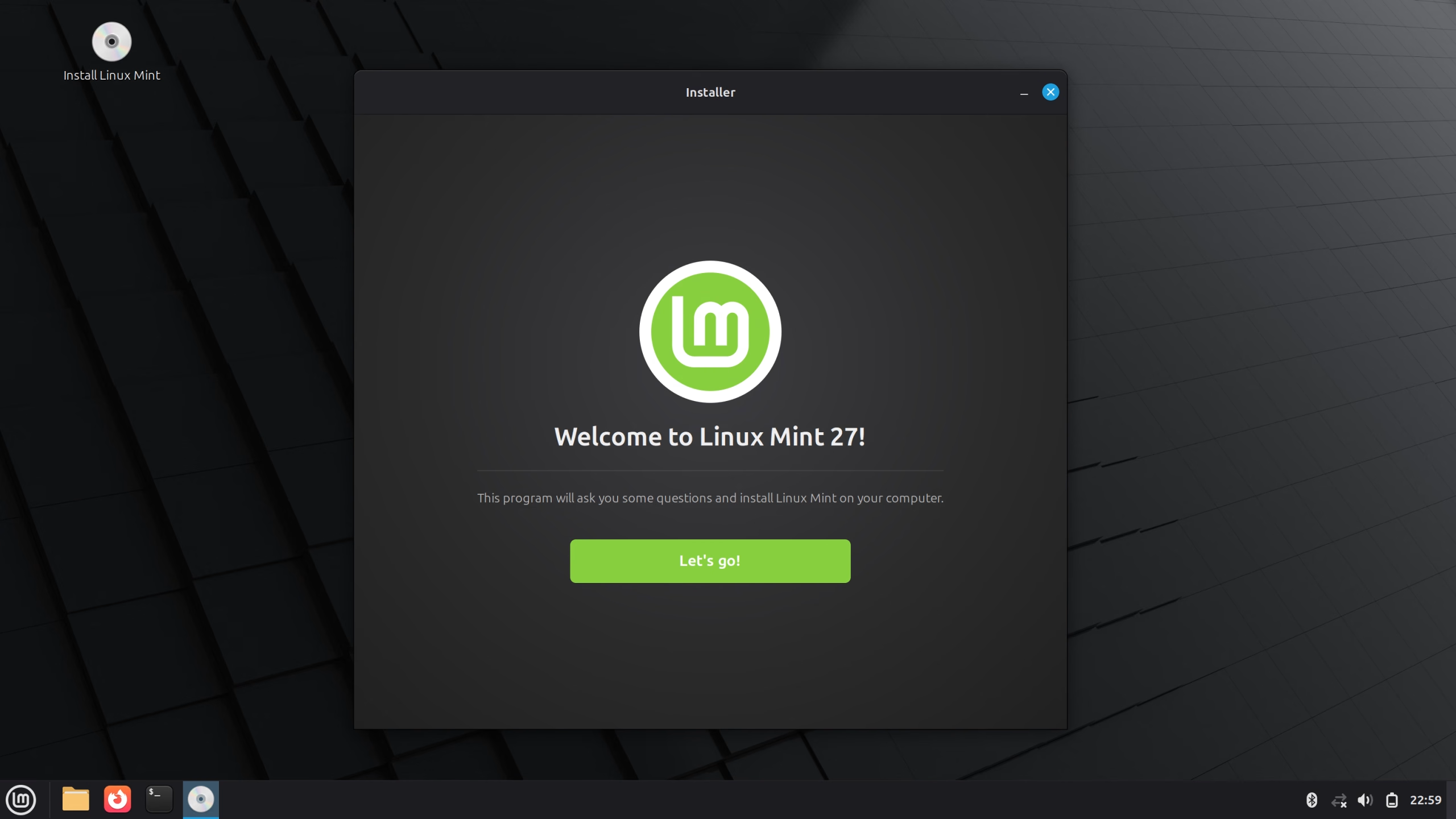
Beta builds of Linux Mint 27 ‘Adrien’ are now available for testing.
Linux Mint 27 is built on Ubuntu 26.04 LTS and the Linux 7.0 kernel. The main edition ships with the Cinnamon 6.8 desktop environment, with versions using the Xfce 4.20 and MATE 1.26 desktops also available.
It also includes new apps, including terminal, calendar and system monitor, improved Wayland support on the Cinnamon desktop and a slate of other refinements.
As a beta, this release is a preview for testing and feedback. A stable release is due out near Christmas. As a long term support release, Linux Mint 27 will be supported until 2031.
Linux Mint 27 ‘Adrien’: What’s New?

Mint 27 migrates to Ubuntu 26.04 LTS, inheriting a host of underlying package bumps and driver updates. It boots from Linux 7.0. Newer kernel versions will come via the Ubuntu HWE updates, with Linux 7.3 due shortly.
It also ships with a new(ish) installer, replacing Ubuntu’s Ubiquity with the live installer it uses in Linux Mint Debian Edition (LMDE). The flow is mostly the same, but if you’re used to the old installer, pay extra attention during the partition setup.
The new installer no longer has an easy setting to create a dual-boot setup, so if you want to install Linux Mint 27 alongside Windows (or other Linux distros), you must use manual partitioning to set it up manually.
Cinnamon 6.8 is a sizeable update. Multi-monitor setups can use a different wallpaper on each screen, trackpad gestures are one-to-one and WireGuard and VPN connections are now grouped in the Network applet.
IBus and Fcitx5 input methods are fully supported and switchable, while a new keyboard layout viewer makes it easy to see the current configured layout and preview alternatives.
Linux Mint 27 no longer marks the Wayland session ‘experimental’, describe as “fully supported” – but it’s still not a flawless experience, nor the default. Project lead Clement Lefebvre said back in June the distro will keep X11 as the default for the time being.
The screen lock and screensaver were also rebuilt to support Wayland.
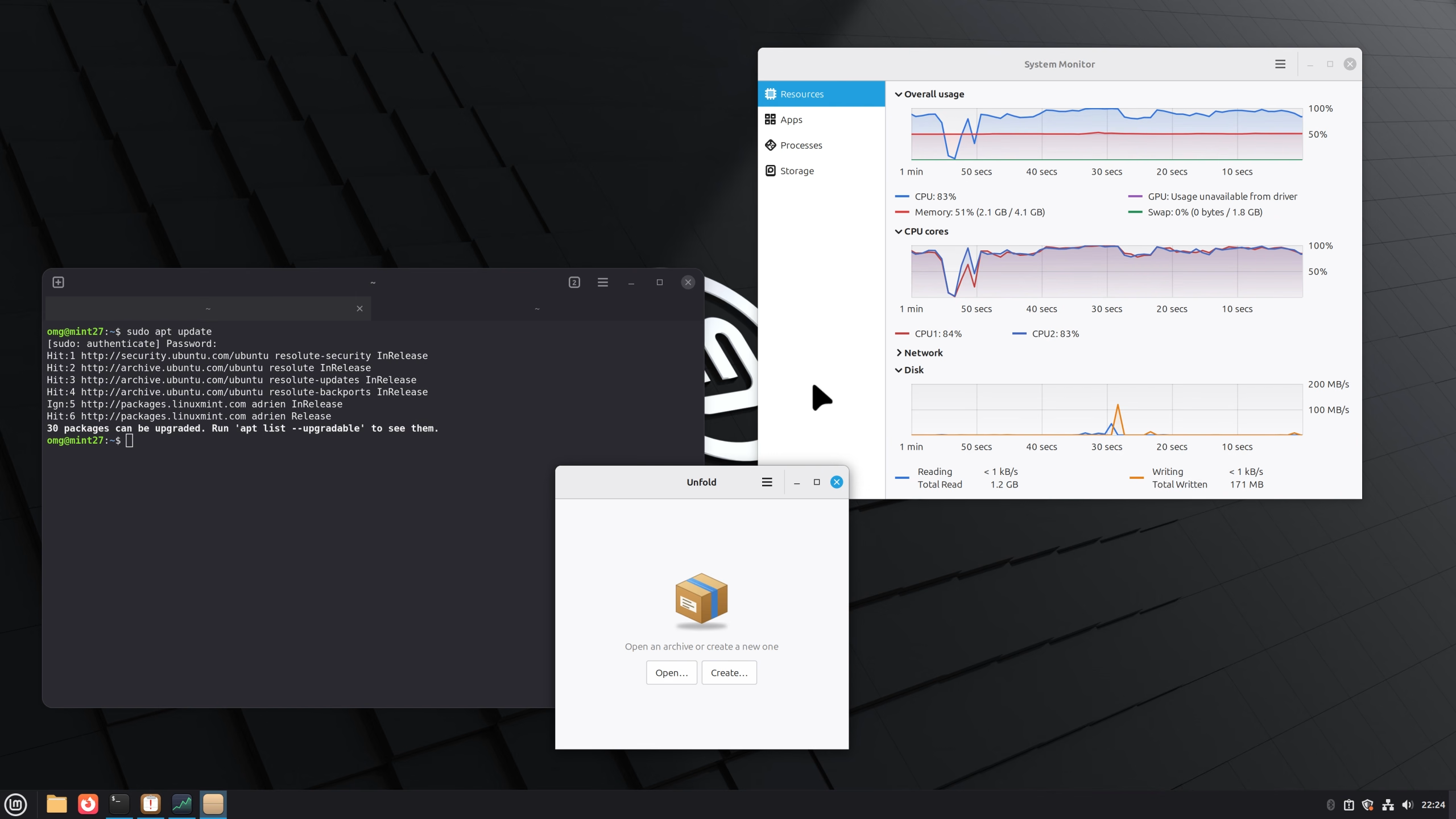
Several new apps are included, all developed by Linux Mint under its desktop-agnostic XApps project. Velocitty is the default terminal, there’s the (terrific) Superlight system monitor, Unfold archive manager (no drag and drop yet) and Xepub e-book reader.
A new calendar app debuts too. It supports everything a good calendaring tool should, like supports multiple calendars (local and cloud), event creation and editing and a background daemon and notification tool to keep calendars in sync and show alerts.
Mint’s new calendar app also resolves contention with GNOME developers, who were getting annoying by bug reports from users of the older GNOME Calendar Mint shipped, bugs that were fixed in newer releases.
Linux Mint’s screenshot tool was rewritten too. It can capture app windows with or without the drop shadow, supports captures from multiple monitors and lets you crop screenshots before saving them, which saves needing to do it after.
Nemo lets you preview image, audio and video files in a new pane. Just press F7 with a file selected to open this. A new Interactive Search mode lets you start typing in a folder to see contents filter out to only the results that match.
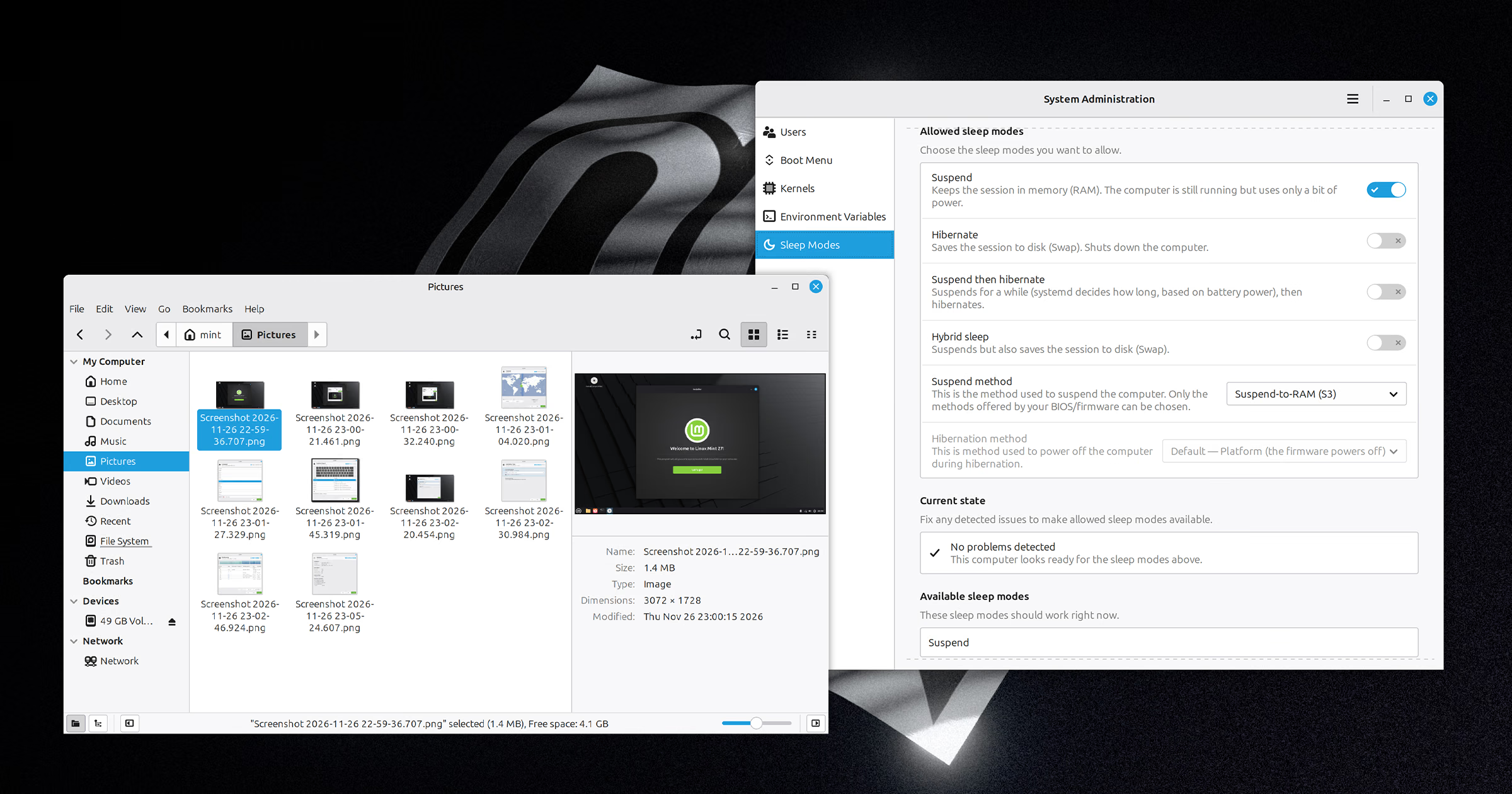
The System Administration introduced in Linux Mint 22.3 is fleshed out with more options, including adding and editing user accounts, configuring environment variables and managing kernels (the latter was previously located in the Update Manager).
And on on laptops, hibernation is back. A new Sleep Modes pane in System Administration lets you configure sleep behaviour of your device (note: hibernation requires the same amount of disk space as RAM in order to work).
Download Linux Mint 27 Beta
For anyone confused by the version number jump, Linux Mint 27 is the direct successor to Linux Mint 22.x series and reflects Mint’s move to yearly releases. The new versioning uses numbers for the year ahead.
You can download the Linux Mint 27 beta from the official Linux Mint mirrors (where the stable releases come from too). For example, https://pub.linuxmint.io/testing (among others).
Report any issues you encounter on the dedicated bug repo, which will close once the beta period is over.
Article amended now the announcement is out.