


It’s taken longer than expected, but users can now upgrade to Ubuntu 26.04 from 24.04 directly, without command-line workarounds.
Canonical has finally flipped the switch on in-place upgrades for LTS systems. A notification will let users know that a new LTS is available, which can be actioned right away, ignored or ‘remind me later’d.
Ubuntu 26.04 LTS was released on 23 April 2026, and direct upgrades from Ubuntu 25.10 were enabled a few weeks after the ISO downloads went live.
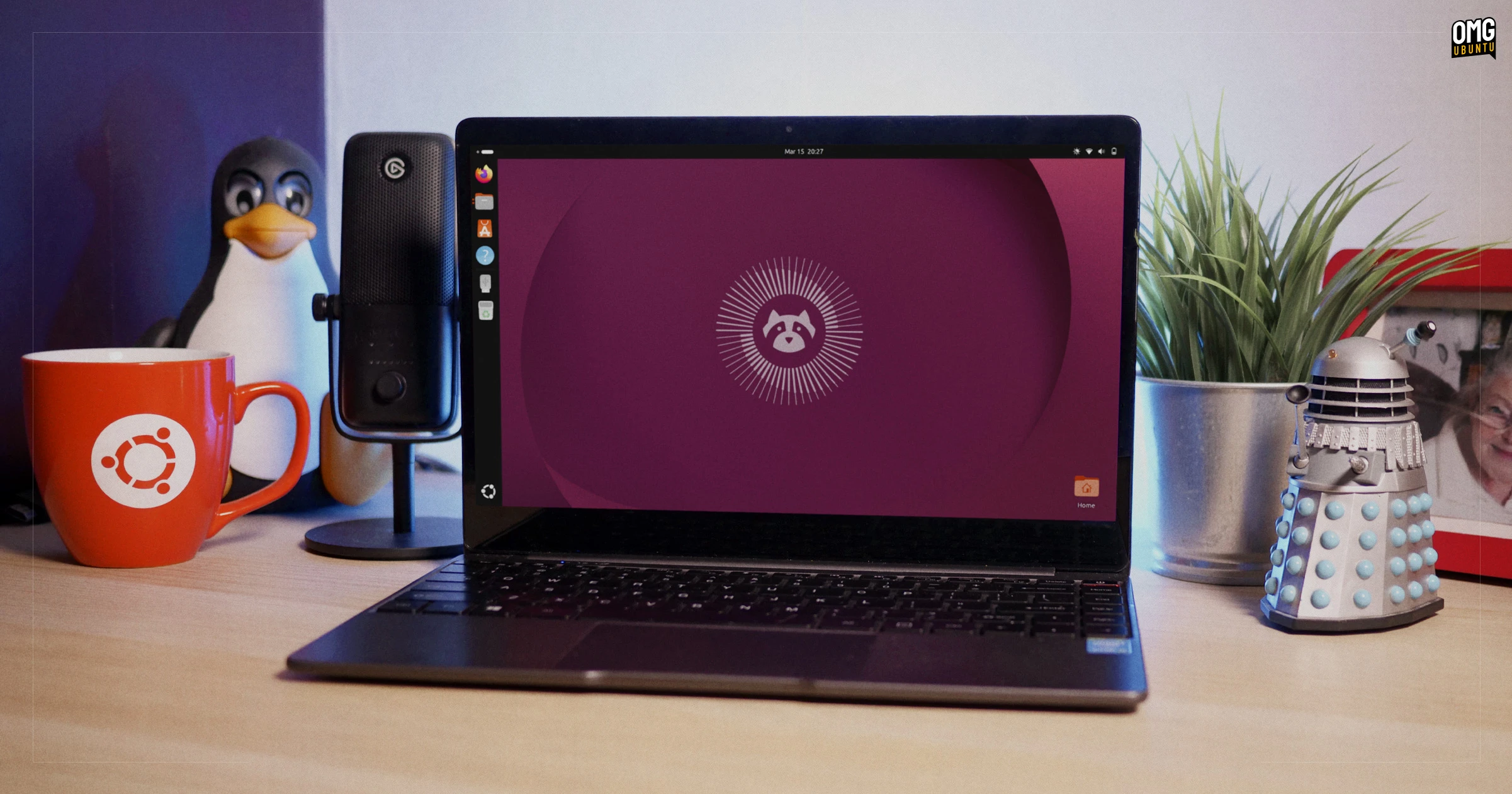
However, upgrades from 24.04 LTS to 26.04 LTS were not. Canonical only officially gives LTS-to-LTS upgrades the go-ahead once the first point release in the new series has been released.
Ubuntu 26.04.1 LTS came out in August, but upgrades from 24.04 were delayed because of bugs – bugs that needed fixing; the fixes needed testing and packaging, then the upgrade needed re-testing.
But upgrades are now live.
Long-term support releases are used by the majority of Ubuntu users and, with two years’ worth of changes to migrate, extra testing ensures more people can upgrade confidently.
User setups also differ. I doubt anyone reading runs the OS exactly as it came without changing a single setting or installing other apps. That’s a lot of edge cases to try and account for.
Before you upgrade to Ubuntu 26.04, read this
Ubuntu 26.04 LTS no longer supports running the default GNOME desktop on X11/Xorg.
If you upgrade from Ubuntu 24.04, Xorg is not removed from your system, but you will not be able to select an Xorg GNOME session to log in to at the login screen.
Legacy X11 apps still work on Ubuntu with Wayland via XWayland, which is still preinstalled.
If you have a specific need for an X11 desktop session, you are not without choices. Alternative desktop environments, like Xfce, LxQt, Cinnamon and MATE, continue to support X11/Xorg – more Linux desktops still support it than don’t.
System requirements for Ubuntu 26.04 were bumped. The distro now recommends 6GB RAM for smooth running, whereas 24.04 recommended just 4GB. It isn’t an enforced minimum, so you can upgrade, but keep it in mind if your device is low on memory.
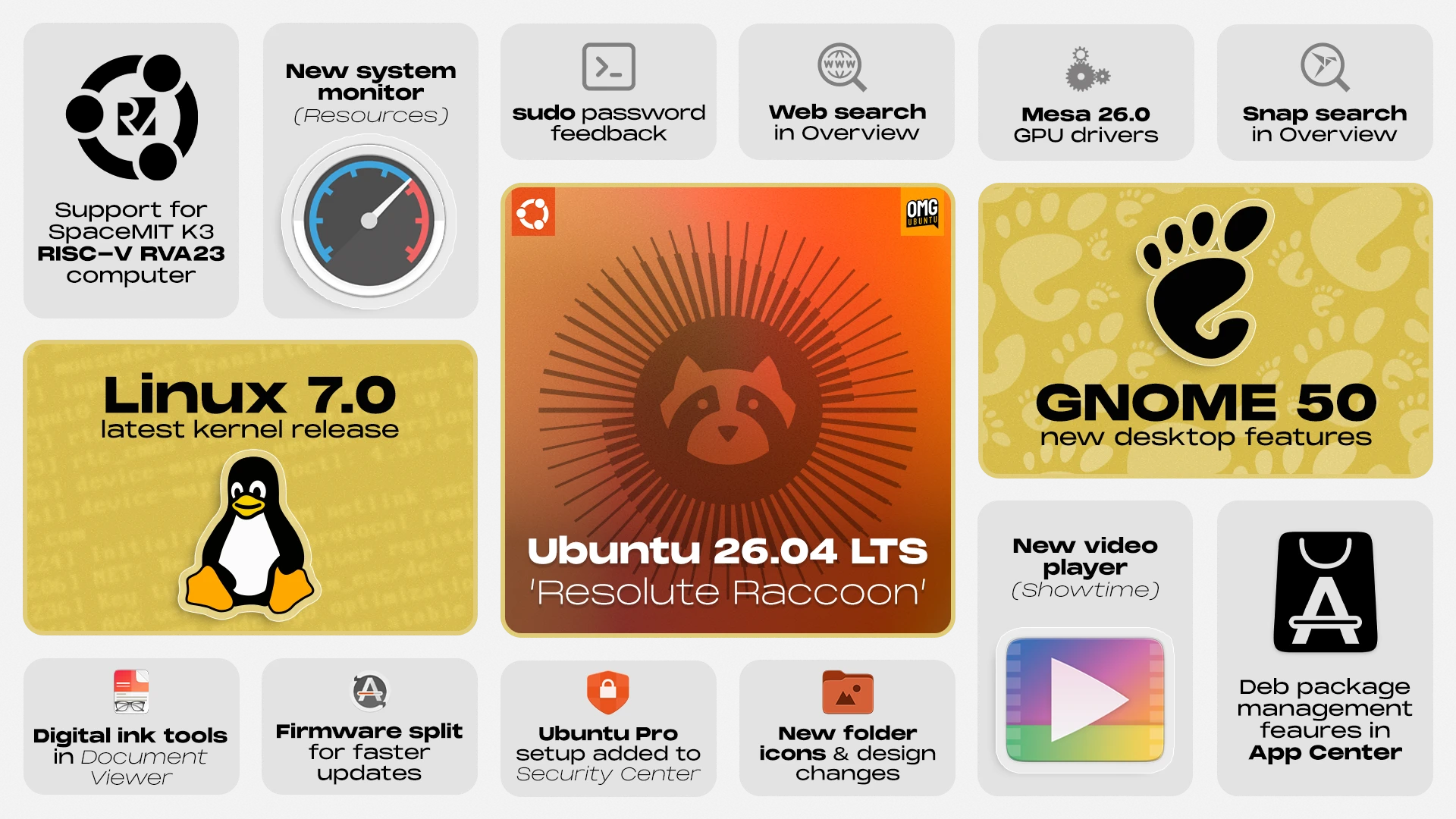
Other changes feature – good ones: new apps, revamped folder icons, improved performance, updated drivers and a slate of additional settings. My ‘what’s changed’ guide runs through the biggest changes between 24.04 and 26.04, so check that out to learn more.
Upgrading to 26.04 from 24.04
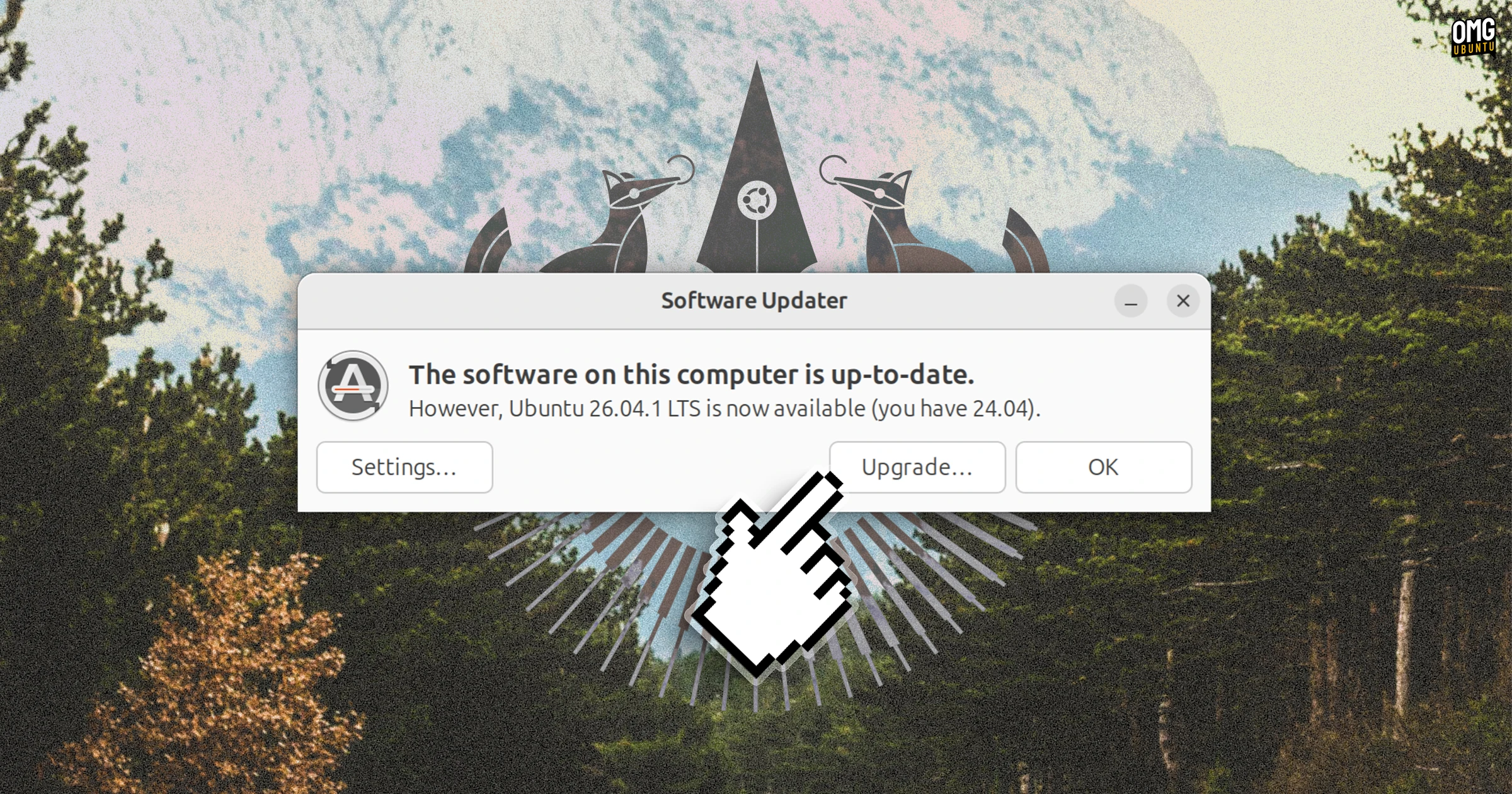
Before you can upgrade to Ubuntu 26.04 from 24.04 you need to install all pending updates. Open the Software Updater to check for and apply those that are listed.
Once done, the tool updater will say “Ubuntu 26.04.x is now available (you have 24.04)” and provide you with an “Update…” button. Click that to do what it say.
Alternatively, you can initiate the upgrade from the command line:
sudo do-release-upgrade
Either method will trigger the GUI wizard to walk you through the process. Most of it is self-explanatory: click yes, click next, wait, click next, wait, and so on.
One thing that scares some is the ‘foreign packages’ modal. It’ll show up if you have installed packages from outside of the main Ubuntu repos. Looks scary but, in most cases, you can just click ‘yes’ to upgrade anyway.
My screenshot-by-screenshot walkthrough in my 25.10 upgrade article applies here as it’s the same screens and steps if coming from 24.04 as 25.10.
You don’t have to upgrade right away
Even though Ubuntu 26.04 LTS upgrades are now live, you do not need to upgrade right away. If your system is running fine as is, and you don’t desperately want any of the new features, there’s no harm in holding off for a bit longer.
Ubuntu 24.04 LTS is supported until 2029 with ongoing updates as standard, and you have the option to get a further 5 years of high-impact security fixes after that date by enabling Ubuntu Pro.